JustClock for JetBrains IDEs – Automatic Work Time Tracking Plugin
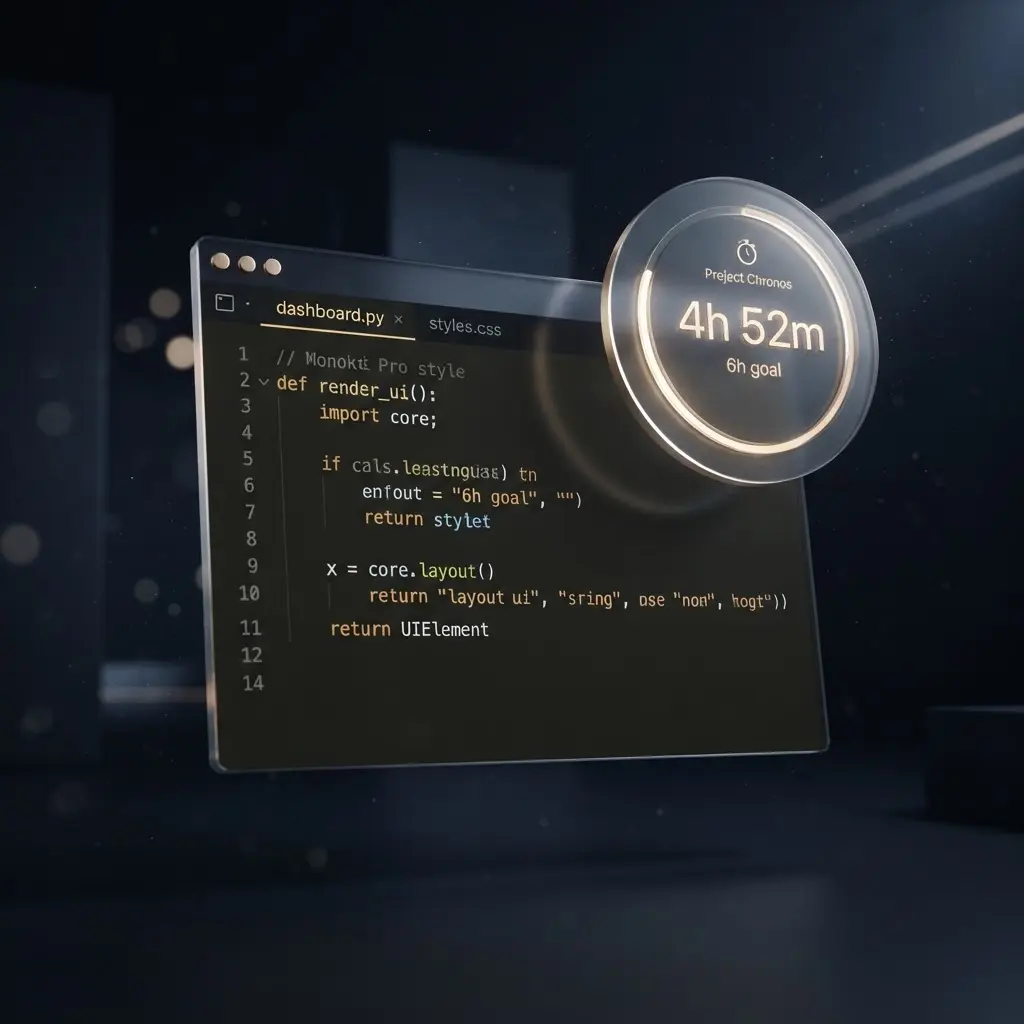
One Plugin, the Whole JetBrains Family.
JustClock installs once from the JetBrains Marketplace and works the same way in IntelliJ IDEA, PyCharm, WebStorm, PhpStorm, GoLand, CLion, Rider and Android Studio.
No matter which JetBrains IDE your team standardizes on, time is tracked automatically in the background and reported in minute-level intervals — no manual timers, no forgotten stopwatches.
Pick Your IDE
Each JetBrains IDE has its own typical workflow — here's what JustClock looks like in the ones developers ask about most.
Secure by design. Non-intrusive by default.
We understand that security is paramount inside your development environment. JustClock measures time — never your work.
Data we collect
- Project name / identifier
- Active time spent in IDE
- User account identifier
What we never touch
- Your code or file contents
- Keystrokes or sensitive input
- Any other personal data
For full details, please refer to our Privacy Policy.
How to Set Up Your JetBrains IDE & API Key
Install the plugin from the JetBrains Marketplace.
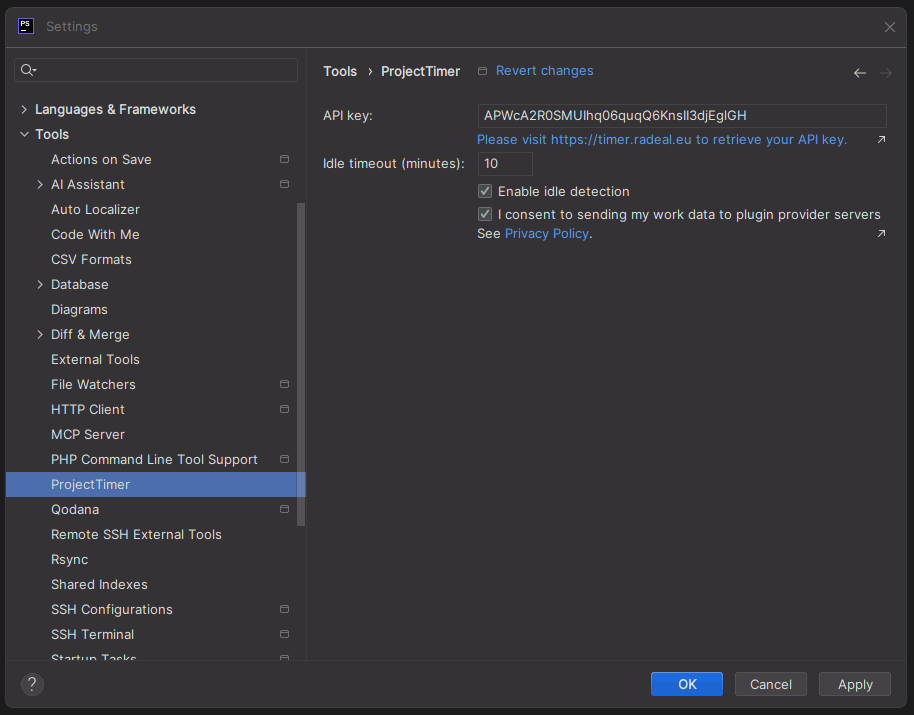
Go to Settings > Tools > JustClock.
Get your API key from our website.
Paste the key and hit "OK".