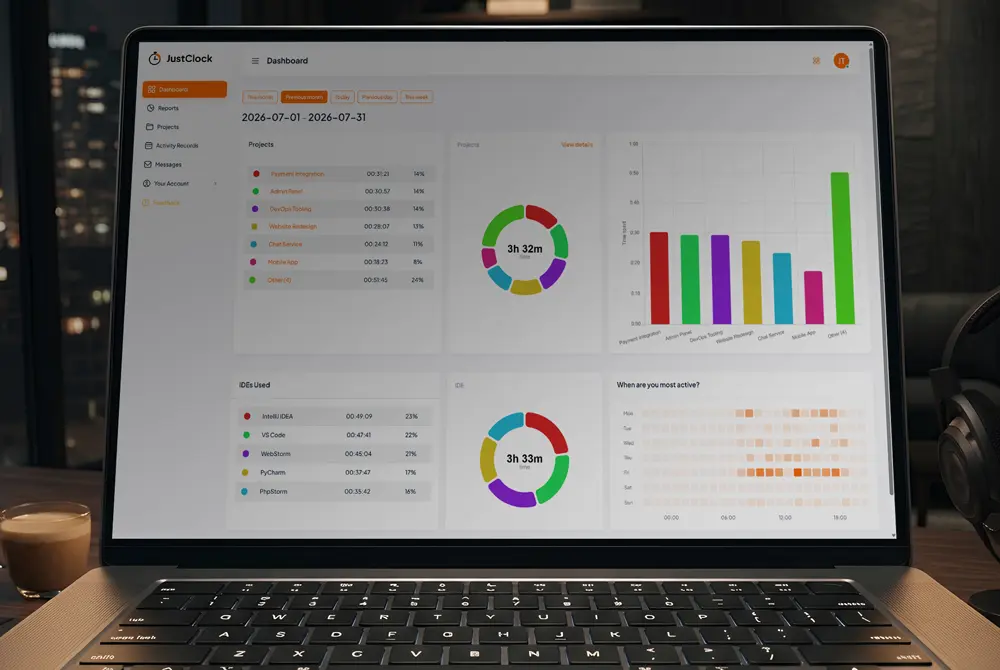
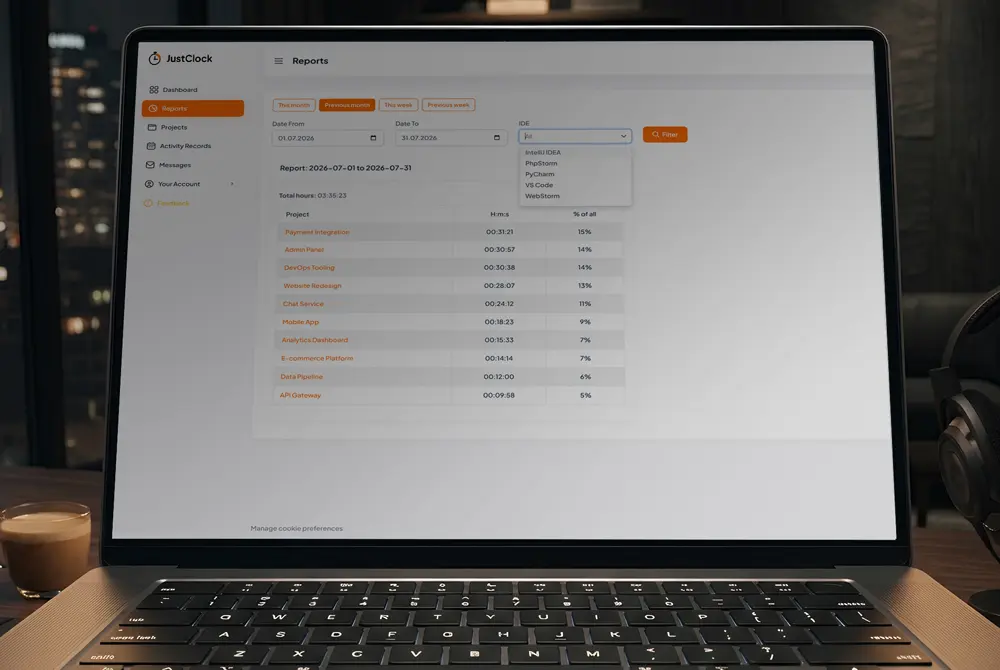
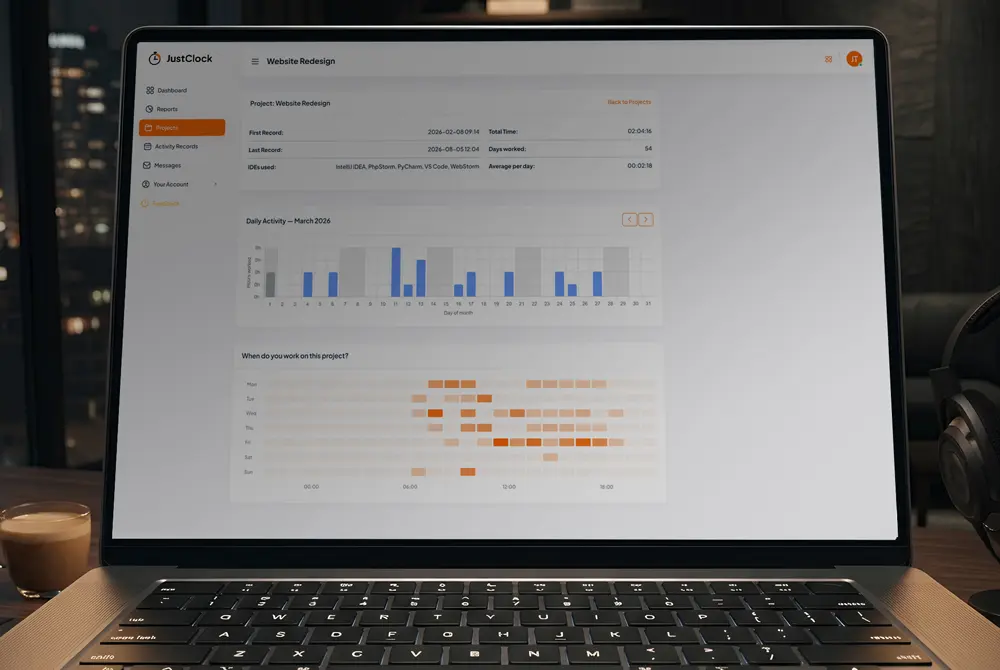
Work time tracking, built into your workflow.
JustClock works silently across the entire JetBrains family, Visual Studio Code, Cursor and the full Visual Studio IDE — capturing every minute on client projects, automatically. No language, framework, or IDE limits.
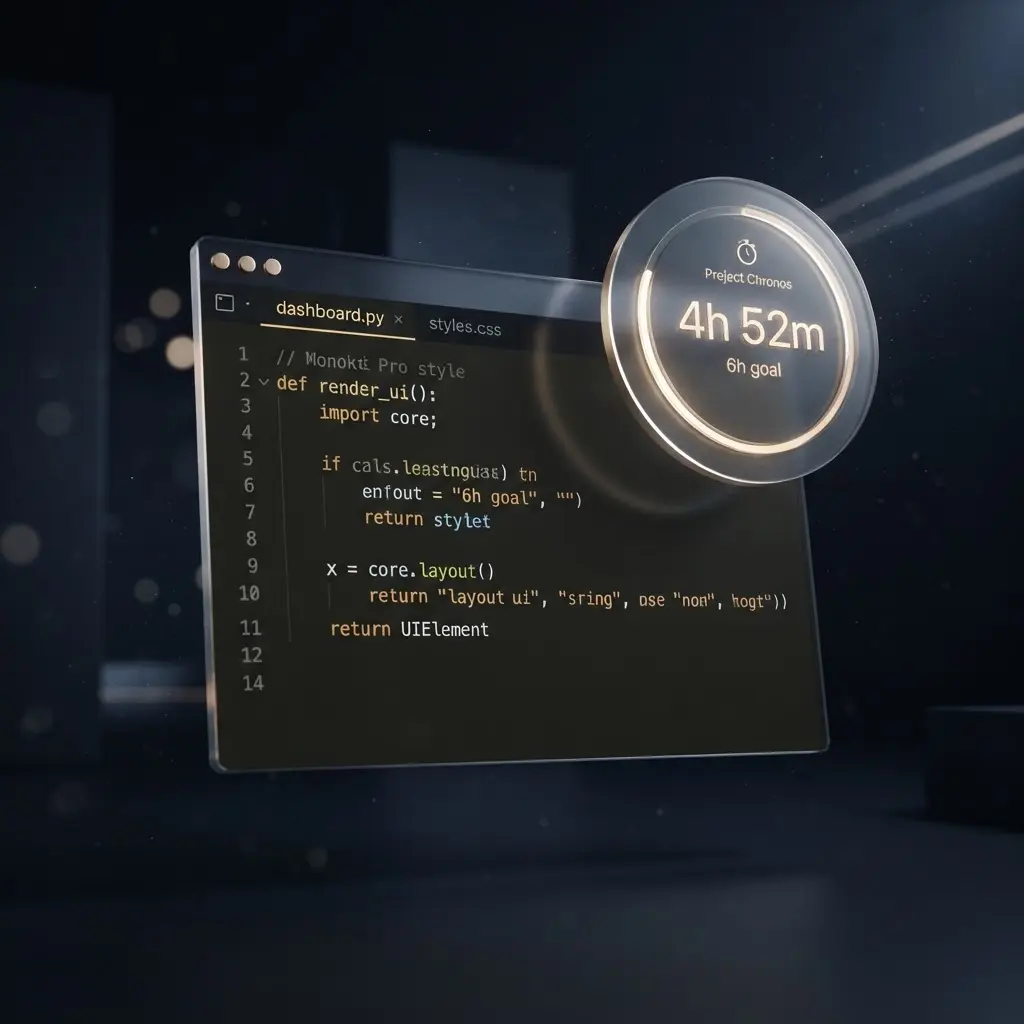
Secure by design. Non-intrusive by default.
We understand that security is paramount inside your development environment. JustClock measures time — never your work.
Data we collect
- Project name / identifier
- Active time spent in IDE
- User account identifier
What we never touch
- Your code or file contents
- Keystrokes or sensitive input
- Any other personal data
For full details, please refer to our Privacy Policy.
Supported JetBrains family IDEs
VS Code-compatible IDEs
Full Visual Studio
Whether you build mobile apps or backends, JustClock stays quietly in the background.

Up and running in four steps
Set up your API key
Open JetBrains MarketplaceInstall the plugin from the JetBrains Marketplace.
Go to Settings > Tools > JustClock.
Get your API key from our website.
Paste the key and hit “OK”.
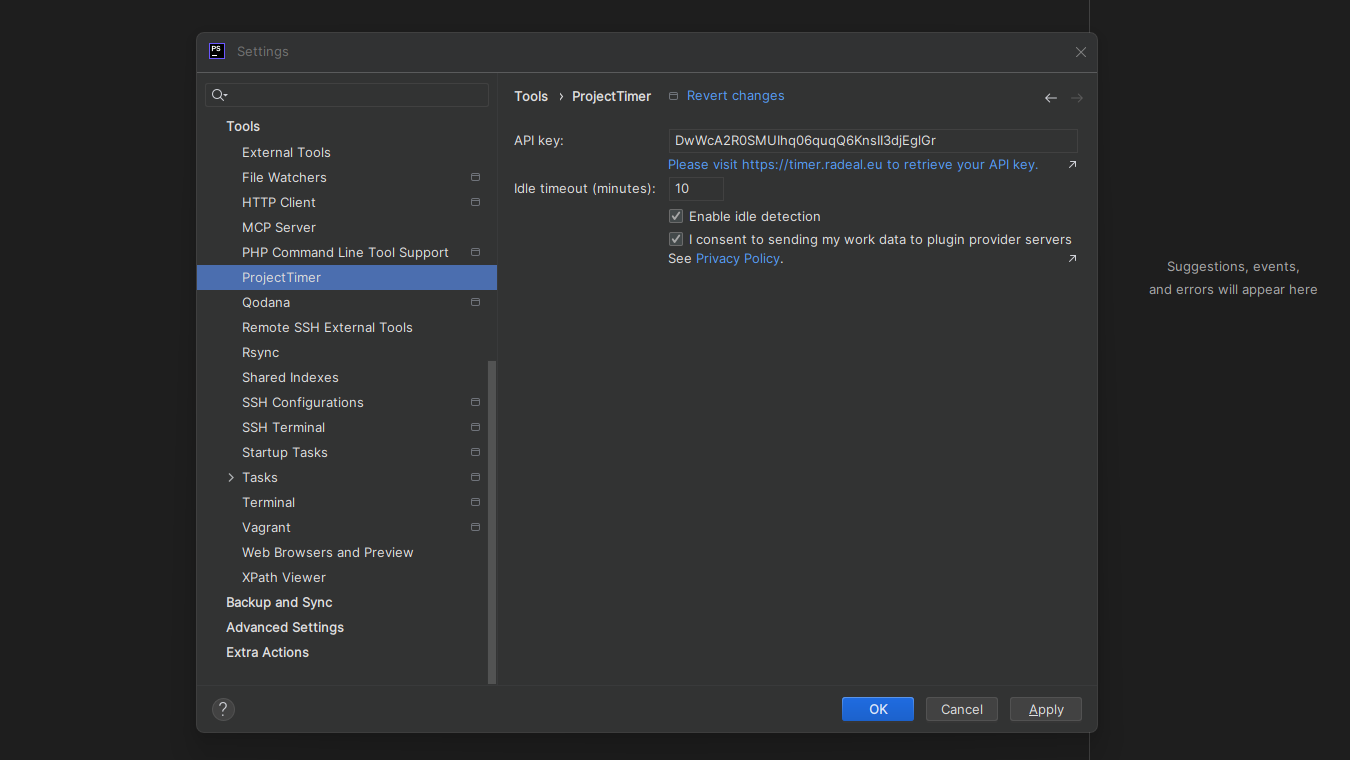
The same simple setup
Set up your API key
Open VS Code MarketplaceInstall the plugin from the Visual Studio Marketplace.
Open Settings Ctrl/Cmd + , and search for
“JustClock”.
Get your API key from our website.
Paste the key to save.
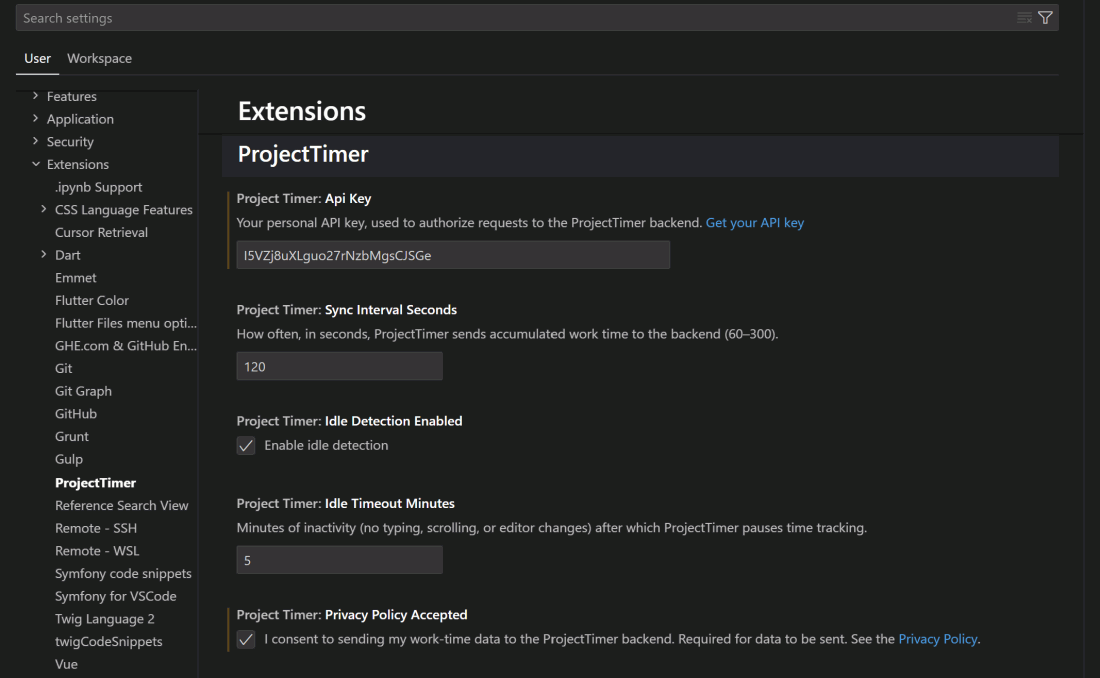
The same simple setup
Set up your API key
Open Visual Studio MarketplaceInstall the extension from the Visual Studio Marketplace.
Go to Tools > Options > JustClock
(or run JustClock: Open Settings from the Tools menu,
Ctrl+Q).
Get your API key from our website.
Paste the key and hit “OK” to save.
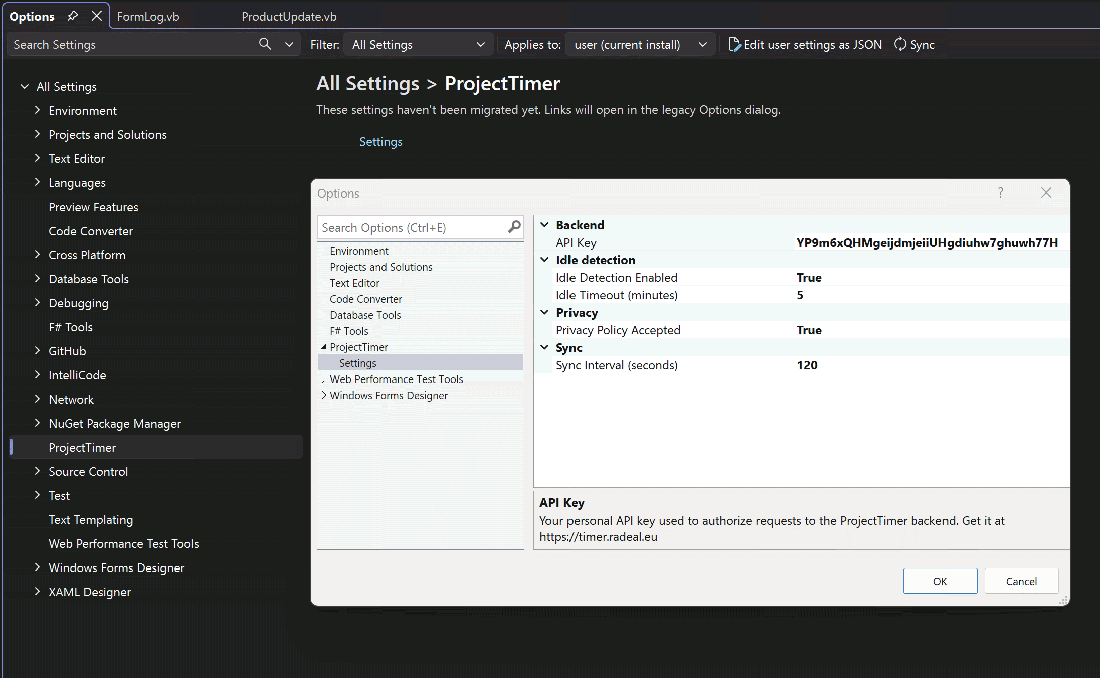
Your time, beautifully accounted for.